Gaming Laptop Mockup 19: A Secret Weapon for Creative Professionals
If you’ve ever designed a game, developed software, or marketed tech hardware, you know the struggle of presenting a digital concept in a tangible way. This is where Gaming Laptop Mockup 19 enters the scene. It’s not just another stock image; it’s a meticulously crafted, layered Photoshop file designed to make your digital designs look stunningly realistic on a high-end gaming laptop screen.
What Exactly Is This Mockup?
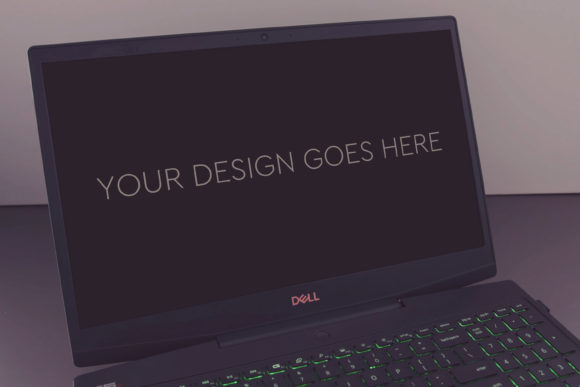
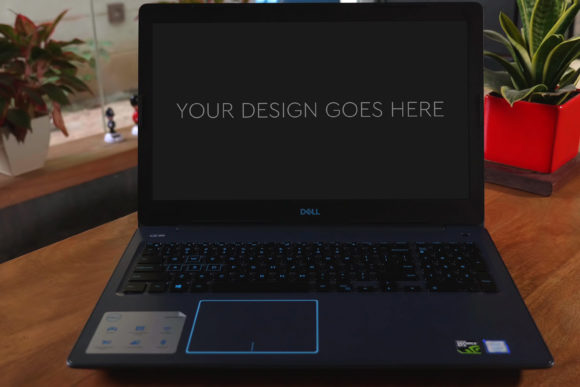
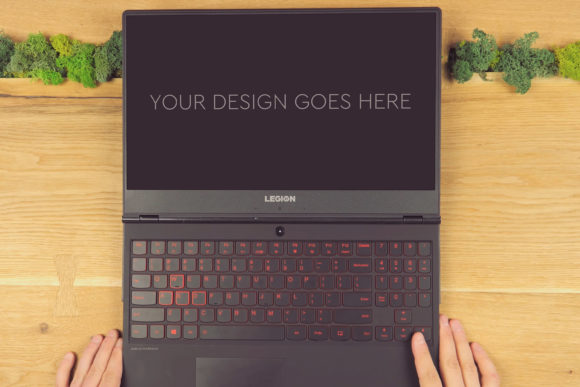
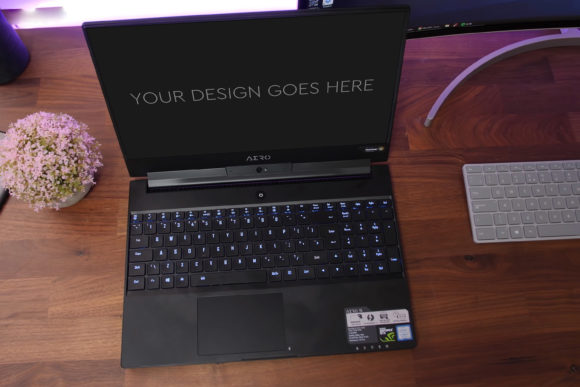
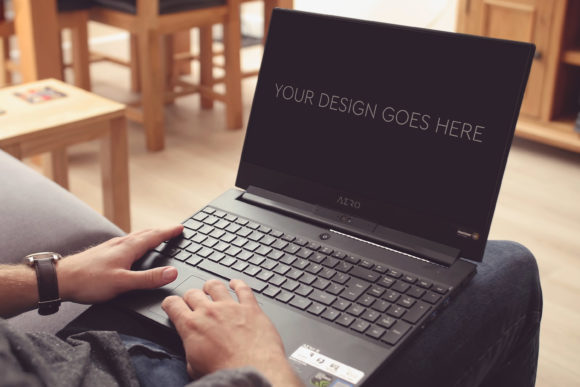
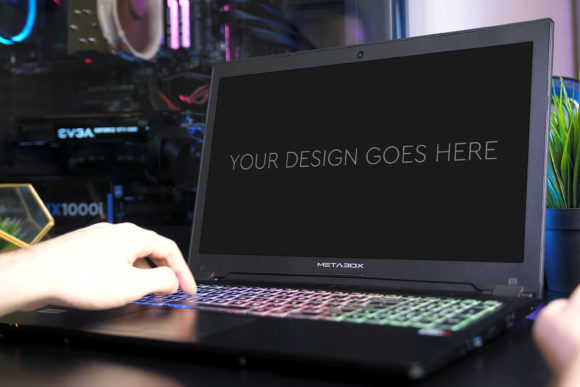
Think of Gaming Laptop Mockup 19 as a digital stage. You provide the actor—your game interface, software dashboard, or website screenshot—and the mockup provides the perfect lighting, setting, and professional photography to make it shine. The core offering is a single PSD file, but its power lies in its construction. At 3000x2000px and 300dpi, the base image is ultra-high quality. The file is intelligently layered and grouped, with the laptop screen area set up as a Smart Object.
This Smart Object feature is the magic. It means you simply double-click on that layer, paste in your design, save, and close. Your design is automatically warped, shaded, and integrated to look as if it’s genuinely glowing from the laptop’s display, with realistic screen reflections and ambient lighting already applied. Beautiful photo filters are included to adjust the mood and tone, letting you match the mockup’s ambiance to your brand’s vibe without complex Photoshop skills.
The Real-World Scenarios: Where This Mockup Saves the Day
Beyond the technical description, the true value of Gaming Laptop Mockup 19 unfolds in practical, everyday creative and business situations.
Imagine an indie game developer finalizing their Steam page. A compelling trailer is key, but the storefront requires captivating screenshots. Using a generic screenshot feels flat. Instead, placing the game’s action-packed HUD into Gaming Laptop Mockup 19 creates an image that suggests immersion, power, and a premium gaming experience. It contextualizes the game, making potential players visualize themselves playing it on their own rigs.
Consider a UX/UI designer presenting a new app interface to a client. Wireframes and flat designs can leave stakeholders cold. Presenting the same interface rendered realistically on this gaming laptop mockup bridges the gap between concept and reality. It demonstrates how the design will live in a user’s environment, making feedback more grounded and approvals faster.
Benefiting Diverse Audiences Across Industries
The utility of this resource extends far beyond game devs. Its applications ripple through adjacent fields, each user extracting different value.
For Marketing Agencies and Tech Brands
Agency creatives often need to produce campaign assets for gaming hardware or peripherals. Gaming Laptop Mockup 19 provides a consistent, high-quality visual base for social media ads, newsletter banners, or website hero images. They can quickly showcase how a brand’s software optimizes performance or how a new game title looks on a partner’s laptop, creating cohesive marketing materials without booking a photographer or a physical product shoot.
For Freelancers and Solo Entrepreneurs
Freelancers juggling multiple projects need efficiency. This mockup is a time-machine. A graphic designer selling logo concepts to a gaming cafe can present their work in situ on a laptop screen, elevating their portfolio presentation. A solo developer creating a pitch deck for investors can use these realistic visuals to build a more persuasive and professional-looking proposal, often standing out against competitors using plain screenshots.
Common Considerations Before You Dive In
While Gaming Laptop Mockup 19 is designed for ease, a few practical considerations will ensure you get the best results. First, ensure your own design or screenshot is of sufficiently high resolution. While the mockup is large, placing a low-res image inside the Smart Object will degrade the final output. Second, think about context. The mockup has a specific, modern gaming aesthetic. It’s perfect for tech, gaming, and bold digital projects but might not suit a presentation aiming for a minimalist, soft, or corporate feel unless the included filters are heavily adjusted.
A potential limitation is its specificity. It is, unapologetically, a gaming laptop mockup. If your project requires a generic business laptop or a tablet, this isn’t the tool. Its strength is its targeted realism—the angled view, the keyboard details, the overall gaming vibe. That’s a huge asset when it’s what you need, but a mismatch if your audience expects something else.
Unlocking Creative Inspiration and Practical Solutions
Sometimes, a tool like this does more than just execute a task; it sparks ideas. A web designer might see their site layout in the mockup and realize they need more contrast for readability on bright screens. A game artist might get inspiration for their game’s lighting by seeing how the mockup’s filters affect their scene. It becomes a lens to view your own work critically and creatively.
In the daily grind of creative work, resources that are both powerful and simple are rare. Gaming Laptop Mockup 19 fits that niche. It solves a very common problem—presenting digital work convincingly in the physical world—with an automated, quality-driven approach. It respects the professional’s need for speed without sacrificing the final product’s impact, making it a quietly indispensable asset in many digital toolkits.