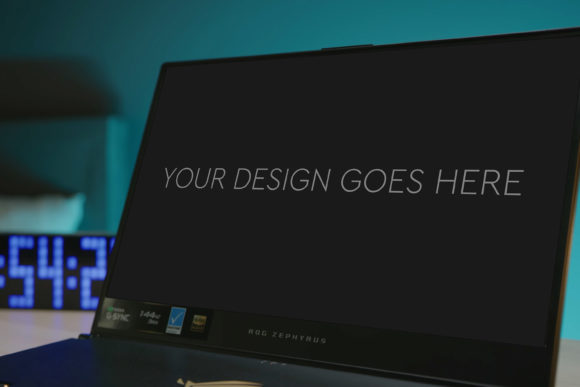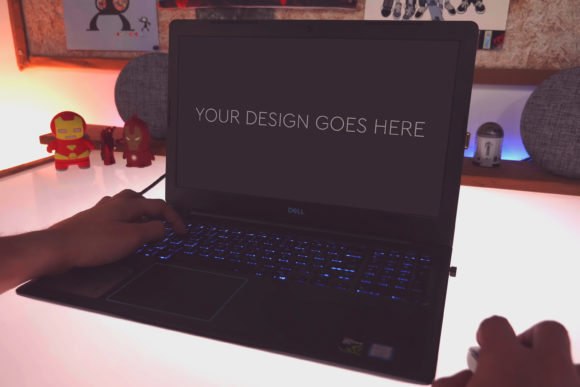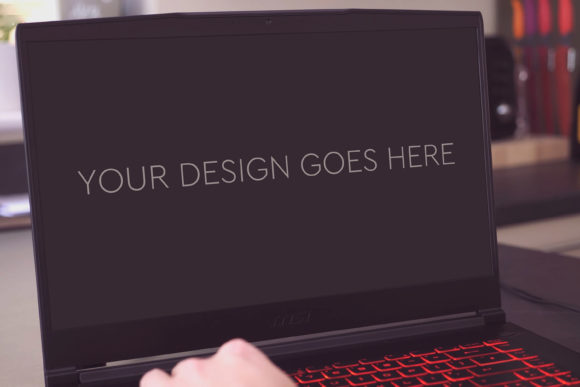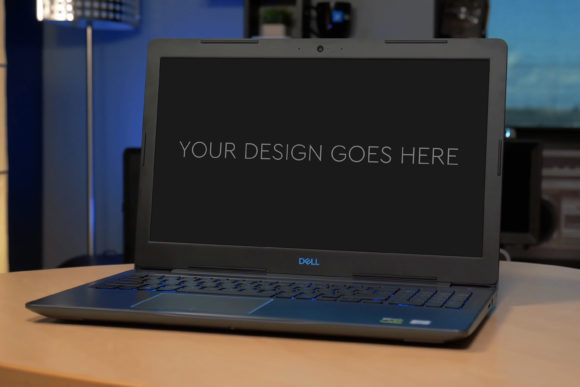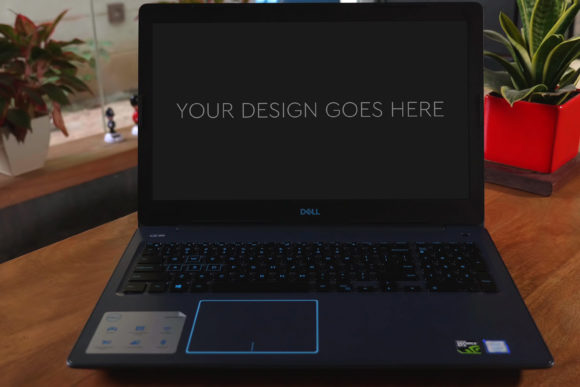
Why Gaming Laptop Mockup 04 Elevates Your Creative Presentations
There’s a moment in every design project where the concept needs to break free from the flat screen and feel real. For creators working with digital content, gaming hardware, or any interface meant to be seen on a laptop, that moment is critical. A mockup is your bridge from idea to perceived reality. And specifically, Gaming Laptop Mockup 04 isn't just another template; it’s a meticulously crafted tool designed to make that bridge crossing effortless and stunning.
What sets this mockup apart is its combination of practicality and polished aesthetic. At its core, it’s a high-quality Photoshop (PSD) file, sized at 3000x2000px at 300dpi, ensuring your final visuals are crisp enough for any professional use. The promise of “very easy to use” is delivered through a layered and grouped PSD structure, where the laptop screen is a Smart Object. You simply pop in your design or screenshot, and the perspective, lighting, and integration are handled automatically. This removes the technical friction of manually matching angles and shadows, allowing you to focus entirely on your design’s impact.
Unlocking Creative Possibilities Beyond the Screen
The utility of Gaming Laptop Mockup 04 extends far beyond merely displaying a website or app interface. Its inherent context—a gaming laptop—suggests a world of creative applications. Imagine using it to present a new game UI, a streaming software overlay, or a hardware configuration tool. But the creative interpretations are broader. The mockup’s clean, focused composition makes it ideal for showcasing any digital product meant for a performance-oriented audience.
Consider these project ideas: A freelance web designer uses it to present a portfolio site for a tech client, making the site feel alive on a relevant device. A marketer creating an ad campaign for a new software tool drops their promotional graphic into the screen, instantly contextualizing the product for social media or a sales page. An educator preparing an online course module on graphic design uses the mockup to demonstrate software interfaces in a realistic setting for their slides. Each application leverages the same file but achieves a completely different communicative goal.
Adapting the Mockup for Your Audience and Goals
The key to effective use is adaptation. The mockup provides the stage, but your content and stylistic choices direct the play. For a bold, energetic audience—like gamers or tech enthusiasts—you might lean into the included beautiful photo filters to enhance vibrancy, making the screen content pop with dynamic color. For a corporate or professional audience, you might keep the filters minimal, using the mockup’s inherent clean lines and realistic texture to convey reliability and precision.
Think about format and context. Using the high-resolution file, you can extract a detailed shot for a blog feature image, use a wider view for a newsletter header, or focus tightly on the screen area for an Instagram post. By consistently using the same mockup across different marketing materials for a single product, you build visual coherence. Your audience begins to recognize the presentation style, which aids in brand recall.
Practical Inspiration for Grounded Creativity
Let’s move from concept to concrete steps. After you acquire Gaming Laptop Mockup 04, open the PSD in Photoshop. Your design should be ready as a separate file. Select the Smart Object layer for the screen—this is usually clearly labeled in the grouped layers. Double-click it, paste or place your design into the new file that opens, save, and close. The change propagates automatically back into the main mockup. The shadows, reflections, and laptop surface interact with your design seamlessly.
Now, experiment with the layered elements. Perhaps the background or ambient light layers can be subtly adjusted to match the mood of your screen content. A dark, atmospheric game interface might benefit from a slightly cooler environmental tint, while a bright, productivity app might look best with the default neutral setting. This is where the layered structure offers creative control without complexity.
- For Bloggers & Publishers: Use the mockup to create compelling featured images for articles reviewing software, showcasing digital art, or discussing tech trends. It immediately tells the reader, “This content is about something you experience on a screen.”
- For Entrepreneurs & Small Business Owners: Integrate the mockup into your pitch decks or website to present your SaaS product, digital service, or online platform. It adds a layer of tangible professionalism to your concept.
- For Hobbyists & Freelancers: Elevate your personal project presentations or client deliverables. Even a simple screenshot, framed within this realistic mockup, communicates care and attention to detail.
Keeping Your Results Clear and Effective
While the mockup automates integration, your source design’s clarity is paramount. Ensure the screenshot or graphic you place is high-resolution and legible. The mockup’s large canvas (3000x2000px) is a gift, but it also means low-quality screen content will be glaringly obvious. Aim for consistency in your visual language: if your placed design uses minimalist icons, the sleek laptop frame complements that. If it’s a busy, detailed interface, the mockup’s clean staging helps prevent visual overload.
Originality comes from your content and slight adjustments. Don’t feel you must use the photo filters if they don’t serve your goal. The unedited mockup is professionally photographed and highly effective on its own. The goal is to serve your audience’s understanding. A financial tool aimed at serious professionals benefits from a straightforward, unfiltered presentation that emphasizes clarity and trust.
Ultimately, Gaming Laptop Mockup 04 is a catalyst for efficient, high-quality visualization. It respects the time of creators, marketers, and educators by handling the technical realism, freeing you to invest your energy into the design itself and its strategic presentation. By starting with such a solid, adaptable foundation, you ensure your creative ideas are seen not as flat concepts, but as tangible experiences ready for the world.