Evaluating Gaming Laptop Mockup 28 for Professional Design Presentations
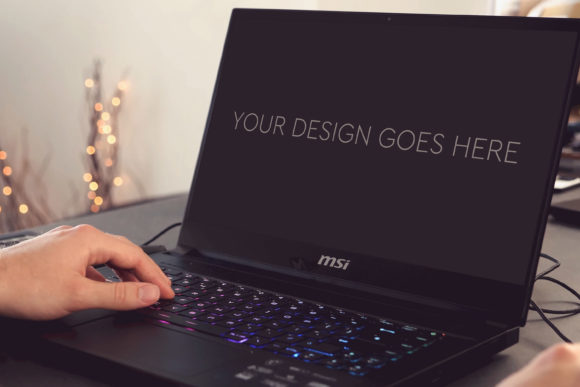
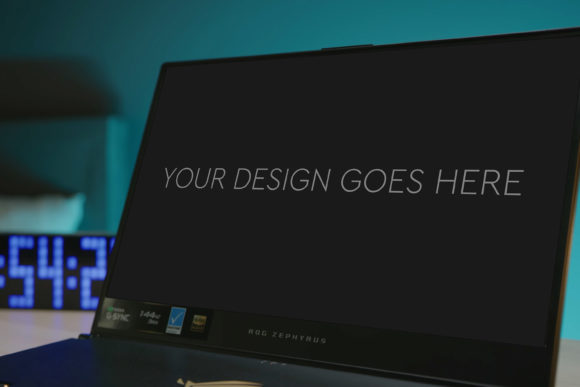
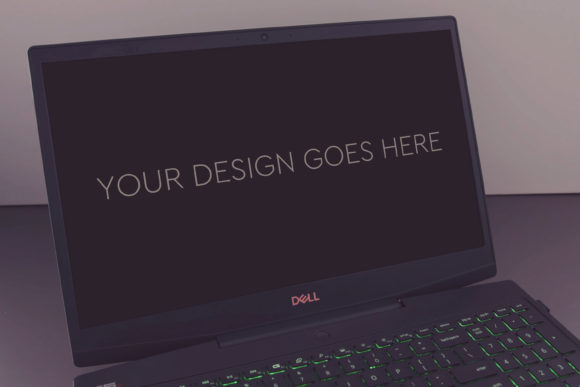
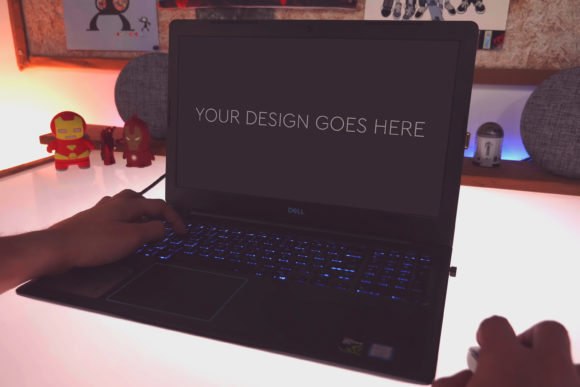
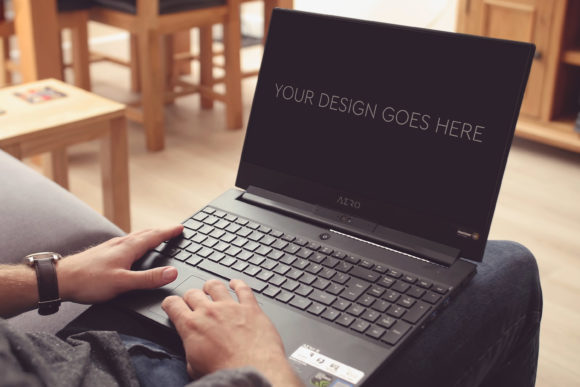
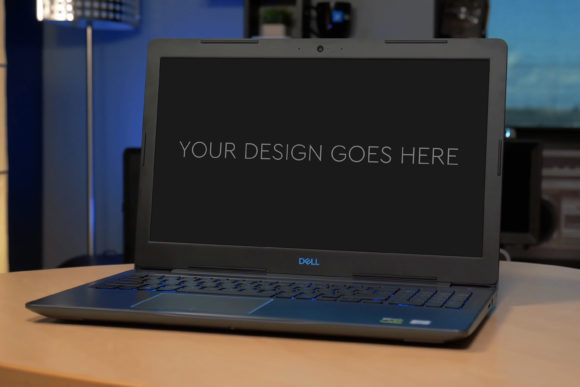
In the realm of digital product presentation, the quality of your visual assets can significantly influence client perception, audience engagement, and project approval. For designers, marketers, and creators showcasing work destined for a gaming laptop screen, a specialized tool like Gaming Laptop Mockup 28 warrants a closer examination. This is not a generic graphic template but a targeted resource built to present interface designs, game screenshots, or software visuals within the context of a high-end gaming laptop. Its stated promise is automation: you pop in your design, and the mock-up is automatically applied.
The Core Characteristics of the Mock-up
Gaming Laptop Mockup 28 is delivered as a single Photoshop PSD file. This format is a deliberate choice for a professional audience. Working within Photoshop, often the central tool for such tasks, provides a familiar environment. The file is structured with layers and groups, which is a fundamental requirement for any usable mock-up. A disorganized, flattened PSD file offers little practical value; layer organization is the gateway to customization.
The inclusion of a Smart Object is arguably the most critical feature. This function allows you to replace the placeholder screen image with your own design by simply double-clicking the Smart Object layer, pasting your artwork, and saving. This process automatically applies your design to the mock-up’s screen, adhering to its perspective, lighting, and reflections. This “automatic” aspect, while not truly magical, streamlines what would otherwise be a manual process of careful blending and distortion.
Technical Specifications and Build Quality
The mock-up is built at a size of 3000 by 2000 pixels at 300 DPI. This resolution is suitable for both high-quality print materials, like portfolio books or brochures, and digital use on websites or presentation slides. The high DPI ensures details remain sharp. The base photograph of the laptop itself needs to be of high quality to lend credibility to the final composite. A low-quality, blurry, or poorly lit base image would undermine even the most beautiful screen design. The product also mentions included beautiful photo filters. These likely refer to adjustment layers within the PSD—presets for color grading, contrast, or subtle tonal shifts that allow you to match the mock-up’s ambiance to your brand’s aesthetic without needing advanced photo editing skills.
Practical Value in Real-World Use
The primary purpose of Gaming Laptop Mockup 28 is to create presentation-ready images quickly. Consider a freelance UI designer who needs to submit three concept screens for a gaming platform’s dashboard to a client. Using this mock-up, they can generate three polished, contextually placed images in minutes, rather than hours spent on manual photocomposition or searching for stock imagery. The value is in time saved and consistency achieved.
Its strengths are its specificity and workflow integration. For a project targeting a gaming audience, presenting the design on a recognizable gaming laptop—with its distinctive aesthetics, keyboard lighting, and often angular design—adds immediate context. This is more effective than displaying the design on a blank canvas or a generic laptop. The mock-up provides a realistic environment that helps the viewer imagine the final product.
Usability and Flexibility Considerations
Usability hinges on the user’s familiarity with Photoshop’s basic layer and Smart Object functions. For someone proficient in Photoshop, it is indeed very easy to use. For a blogger or entrepreneur with only rudimentary skills, there may be a learning curve, but the Smart Object system is designed to simplify the core task. Flexibility is inherent in the layered PSD. You can hide or modify elements: perhaps remove a branded logo on the laptop lid, adjust the intensity of the screen glow, or change the background shadow. This allows the asset to serve multiple projects without looking repetitive.
Consistency and reliability are tied to the file’s construction. A well-built mock-up will produce predictable, professional results every time it is used. The “automatic” application via Smart Object ensures your screen design is integrated consistently with the same perspective and blend mode. This reliability is crucial for professionals who cannot afford unpredictable output when preparing client deliverables.
Identifying the Ideal User and Project Fit
Gaming Laptop Mockup 28 is not a universal tool. Its benefits are maximized for certain users and situations. Professionals like interface designers, game developers, and software marketers who regularly need to present digital work on a gaming laptop screen will find it most applicable. Entrepreneurs launching a gaming-related app or website can use it to create credible marketing visuals for their pitch decks or social media. Freelancers and small business owners in the gaming niche can leverage it to enhance their service proposals and portfolio, elevating their presentation above competitors using more generic assets.
Educators teaching game design or digital marketing might use it as a teaching resource to demonstrate the importance of contextual presentation. Serious hobbyists, such as modders or gaming community managers creating premium content, can use it to give their screenshots or concepts a more polished, official appearance. The mock-up fits projects where visual credibility and specific context are important. It is less suitable for projects where the hardware context is irrelevant or where the design is intended for a completely different device, like a mobile phone or a standard business laptop.
Professional Observations on Long-Term Value
A quality mock-up file is a long-term asset. Unlike a subscription service, this one-time purchase can be reused indefinitely across projects. The long-term value depends on the durability of the gaming laptop’s design relevance and the file’s editability. If the laptop model depicted becomes visually outdated, the mock-up’s effectiveness may wane. However, the layered nature allows for updates—a user with moderate skills could potentially update certain aesthetic elements to keep it current.
Effectiveness in presentation is high. A well-integrated design using this mock-up appears as a believable photograph, not an obvious composite. This realism builds trust with the viewer, whether that viewer is a paying client, a potential user, or a social media follower. It moves the presentation from abstraction to tangible example.
A Balanced View: Potential Limitations
While Gaming Laptop Mockup 28 offers clear utility, it is important to recognize its scope. It is a single-angle, single-device mock-up. You are getting one perspective of one gaming laptop. For a project requiring multiple angles or a variety of devices, additional mock-ups would be necessary. The automation via Smart Object is excellent for the screen, but other modifications—like changing the laptop’s color or the background—require manual Photoshop work.
The requirement for Photoshop is an absolute limitation. Users who work exclusively in other software like Sketch, Figma, or Affinity Photo would need to either adapt the PSD or use Photoshop as a final output stage. Furthermore, the quality of the final composite still depends partially on the user’s input. A poorly sized or low-resolution screenshot placed into the Smart Object will yield a subpar result. The tool facilitates quality but does not guarantee it independently.
Making the Decision: Does It Fit Your Needs?
To determine if Gaming Laptop Mockup 28 aligns with your workflow, consider your typical output. Do you frequently need to present screen-based designs for a gaming audience? Is the visual context of a gaming laptop important for your project’s storytelling? Do you have access to and a basic competency with Adobe Photoshop? If the answers are yes, this mock-up can be a highly efficient asset.
For those whose needs are more occasional or varied, a broader mock-up bundle covering multiple devices might be a more versatile investment. However, for the specific niche it serves, Gaming Laptop Mockup 28 provides a focused, high-quality solution. It removes a technical hurdle and allows the creator to focus on their core design, while ensuring that design is presented in an environment that resonates with its intended audience. In a professional setting where time and presentation polish are directly linked to credibility and success, such a resource can be a small but significant contributor to a streamlined and effective workflow.