Evaluating Gaming Laptop Mockup 14 for Professional Design Presentations
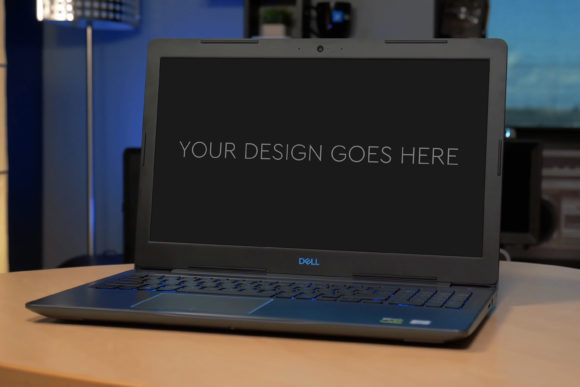
When presenting digital designs, the quality of your mockup can significantly influence client perception and project approval. For creators showcasing concepts for gaming laptops, interfaces, or branding, a well-executed mockup is not merely decorative; it is a critical communication tool. Gaming Laptop Mockup 14 represents a specific category of presentation asset designed to elevate this process. It is a downloadable Photoshop (PSD) file that allows designers to seamlessly insert their screen designs onto a realistic laptop image, automating perspective, lighting, and integration.
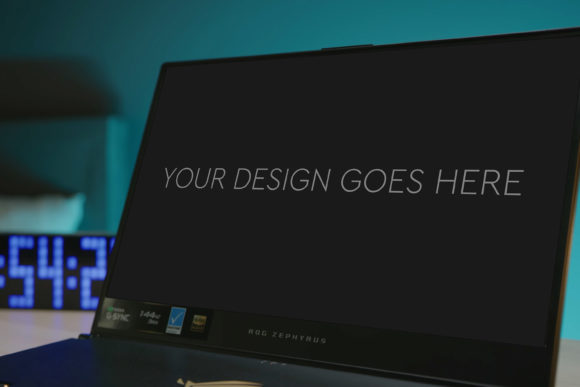
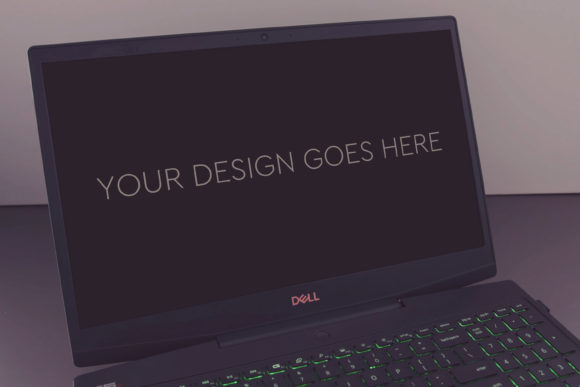
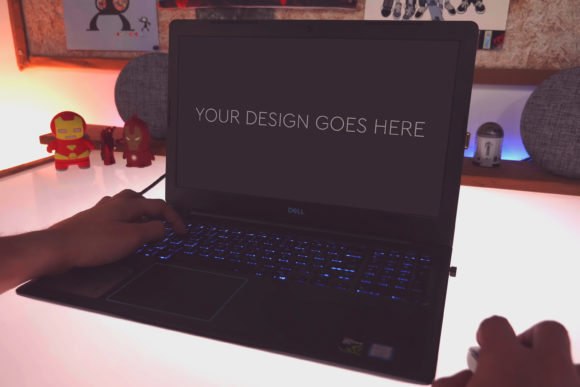
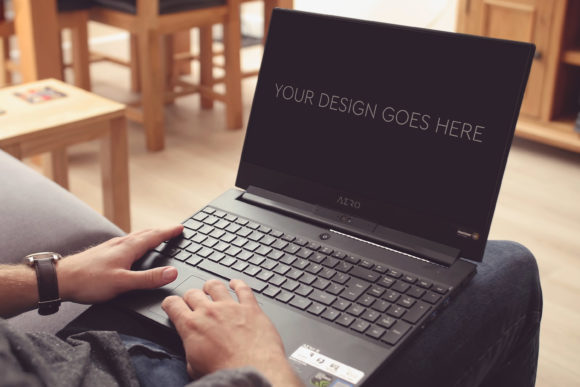
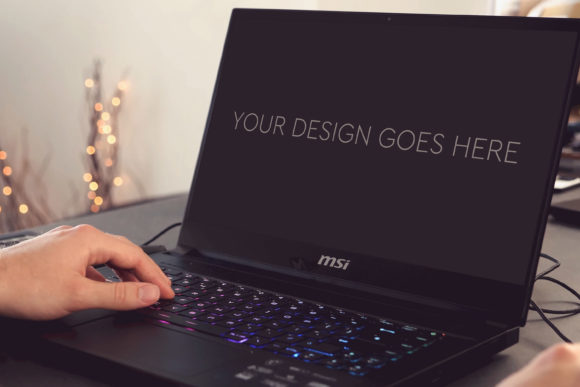
What distinguishes Gaming Laptop Mockup 14 from a generic image template is its underlying structure and automation. The file is built around a Smart Object within Photoshop. This means you don’t need to manually warp or distort your design to fit the laptop screen. Instead, you simply place your screenshot or interface design into the designated Smart Object layer, and the mockup handles the scaling, angle, and integration automatically. This automation, coupled with a high-resolution base image (3000x2000px at 300dpi), ensures the final composite looks professionally photographed rather than digitally pasted.
Key Components and Practical Benefits
The value of any mockup resource lies in its execution details. Gaming Laptop Mockup 14 typically contains several core components that dictate its usability.
- A Layered and Grouped PSD File: This is the foundational element. Organized layers allow for selective editing—you can adjust the background, the laptop body, or the screen glow independently without affecting your inserted design. This structure is crucial for professionals who may need to tailor the mockup to specific brand colors or presentation themes.
- High-Quality Base Photography: The 3000x2000px resolution at 300 dots per inch provides ample detail for both digital presentations and high-quality print materials. This resolution ensures that even when zoomed in, the laptop texture and screen blend remain crisp, avoiding the pixelated look that plagues lower-quality mockups.
- Included Photo Filters: These pre-set adjustments within the PSD file offer a shortcut to achieving a particular mood or style. You might apply a subtle filter to enhance shadows for a dramatic effect or adjust warmth to make the design feel more inviting. While skilled designers can create these effects manually, the included filters serve as a practical starting point or time-saving option.
The primary benefit of this package is efficiency with a guarantee of quality. For a designer preparing multiple concepts for a client meeting, the "pop-in" automation means producing several polished presentation images in minutes, rather than hours spent on complex photo compositing. This efficiency directly translates to more time for iterative design work itself.
Comparison with Alternative Approaches and Resources
Choosing a mockup like Gaming Laptop Mockup 14 involves considering it against other available methods. Designers have several pathways for creating product presentations.
One common alternative is using 3D rendering software to create a custom laptop model and apply your design as a texture. This approach offers unparalleled flexibility—you can change the laptop angle, material, and environment completely. However, the tradeoff is immense. 3D software requires specialized skills and a significant time investment to model, light, and render. For a single presentation image, this process is often impractical. Gaming Laptop Mockup 14, by contrast, provides a fixed but professionally shot perspective instantly, making it a far more efficient choice for most graphic and UI designers.
Another broad category of alternatives is online mockup generators. These web-based tools often allow you to upload a design and select from a library of devices. They are typically very user-friendly and require no software like Photoshop. The tradeoffs here involve control and quality. Online generators may output lower-resolution images or apply generic lighting that lacks the nuanced realism of a high-end PSD mockup. Furthermore, you often cannot adjust the finer details—the shadow intensity, the keyboard reflection, or the ambient glow on the screen bezel. Gaming Laptop Mockup 14, being a native Photoshop file, retains full editorial control for the user who needs those refinements.
Even within the realm of downloadable PSD mockups, choices vary. Some mockups are simplistic, with flat layers that require manual adjustment. Others are overly complex, with hundreds of ungrouped layers that become confusing to navigate. Gaming Laptop Mockup 14 positions itself in a middle ground: it is structured for ease ("Very Easy to edit by Smart Object") but remains comprehensive ("Layered and Grouped"). When evaluating such resources, the decision factor often hinges on the balance between automation and customizable depth. This mockup leans toward automation while preserving key adjustment points.
Identifying the Best-Fit Situations
Gaming Laptop Mockup 14 is not a universal solution. Its strengths make it ideally suited for specific scenarios, while its inherent limitations suggest other options might be better elsewhere.
This mockup is a strong fit for speed-critical professional presentations. If you are a UI/UX designer, graphic artist, or marketing professional who needs to present a gaming laptop app, website, or software interface to a client or stakeholder quickly, the automated Smart Object feature is a major advantage. It is also highly suitable for portfolio creation. Designers building their online portfolios can use it to present past work on a consistent, high-quality device frame, elevating the overall portfolio aesthetic without spending days on asset preparation.
The resource also aligns well with designers proficient in Adobe Photoshop. While the process is simplified, it still requires access to and basic knowledge of Photoshop to utilize the Smart Object and layers. For users who work exclusively in other software like Sketch or Figma, this PSD file may necessitate an extra export step or be incompatible, making an online generator or a plugin for their primary tool a more streamlined alternative.
A potential limitation of Gaming Laptop Mockup 14, as with any single-angle mockup, is its fixed perspective. The provided image shows the laptop from one specific angle. If your presentation requires multiple views—a top-down shot, a side profile, or an open lid angle—you would need to source additional mockup files. This contrasts with 3D solutions or some comprehensive mockup bundles that offer multiple angles in one package. Therefore, if your project demands diverse visual angles, this single mockup might be insufficient on its own.
Making an Informed Decision: Key Factors to Weigh
Selecting the right presentation tool involves a clear assessment of your project requirements, skills, and constraints. When considering Gaming Laptop Mockup 14, several decision factors should guide your evaluation.
First, consider the required output quality. For high-stakes client work, investor pitches, or premium portfolio items, the 300dpi high-resolution base of this mockup is a significant benefit. If your needs are solely for low-resolution web blogs or social media posts, lower-quality free alternatives might suffice, though they risk undermining a professional image.
Second, evaluate your technical workflow and software access. Do you regularly use Photoshop and understand layered PSD files? If so, integrating this mockup will be straightforward. If you do not have Photoshop or prefer a browser-based workflow, this specific resource creates a barrier. In such cases, seeking a compatible mockup for your primary design tool is a more practical path.
Third, analyze the need for customization versus speed. Gaming Laptop Mockup 14 offers a balance, but if your presentation requires deeply customized environments—placing the laptop on a specific desk, matching unique lighting from a product photo shoot—you may need a more foundational 3D approach or a mockup with even more adjustable layers. Conversely, if speed is paramount and the standard professional angle is acceptable, this mockup's automation is a compelling advantage.
Ultimately, Gaming Laptop Mockup 14 serves a clear purpose: it transforms a screen design into a realistic, contextually embedded presentation image with minimal effort. It excels in situations where time efficiency and professional polish are prioritized over limitless customization. By understanding its structured automation, high-quality base, and the comparative landscape of alternatives, designers can make a reasoned choice. For many professionals, such a resource bridges the gap between a raw design file and a convincing client presentation, turning a technical design process into a more persuasive visual story.