Gaming Laptop Mockup 24: A Design Presentation Power Tool
Your design is ready. The layout is perfect, the colors are sharp, and you’ve poured hours into crafting the perfect interface. Now you need to present it in a way that makes it feel real, tangible, and immediately compelling to a client, stakeholder, or your audience. This is where a static screenshot often falls short. It lacks context, environment, and that crucial sense of professional polish. Enter Gaming Laptop Mockup 24.
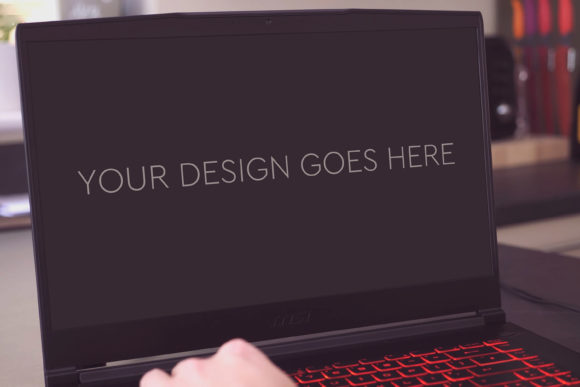
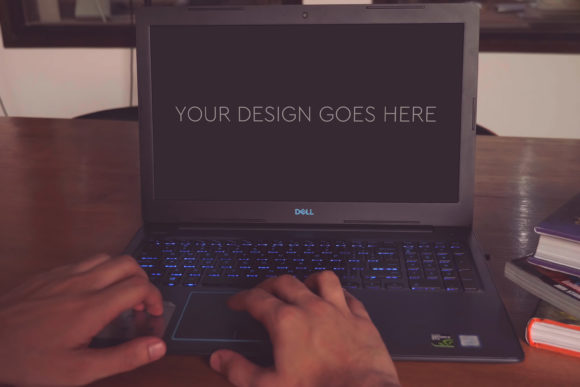
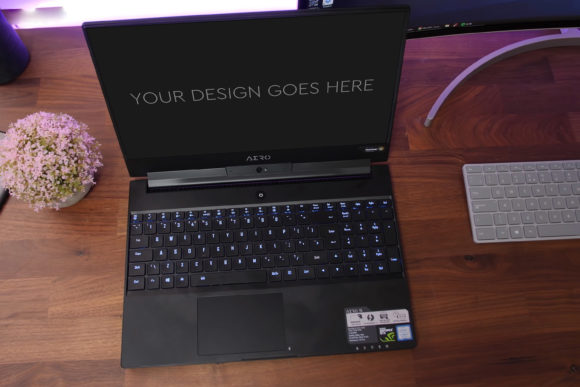
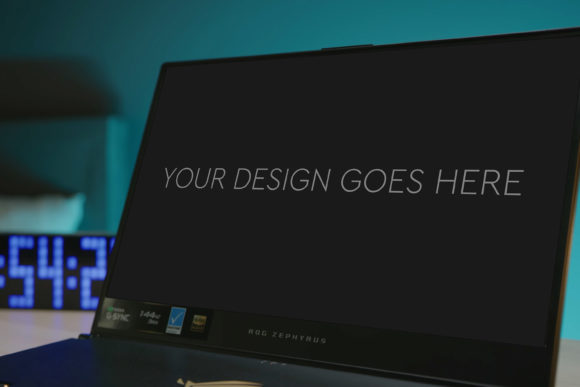
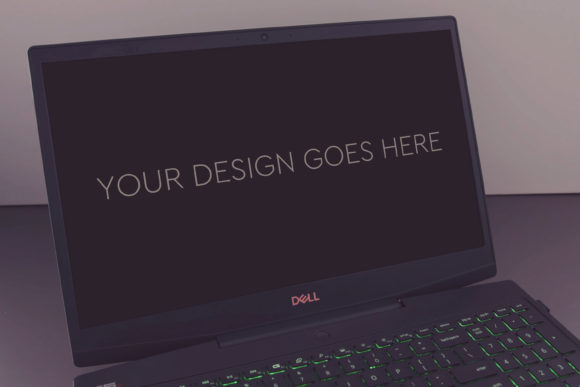
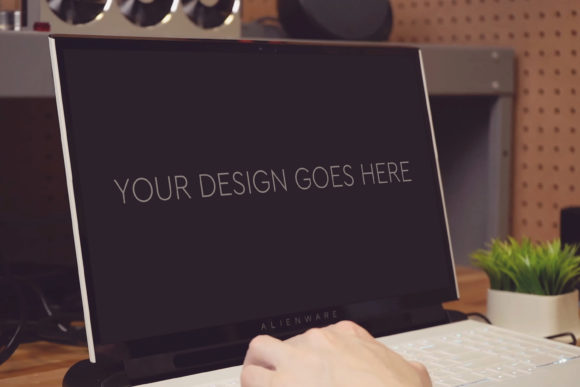
This isn’t just another digital image; it’s a meticulously crafted, high-quality presentation asset designed to do one thing exceptionally well: elevate your digital designs into realistic, engaging scenes. The mockup features a contemporary gaming laptop, angled to showcase the screen with clarity and presence. Its visual personality is sleek and professional, with a focus on clean lines and a neutral backdrop that ensures your design remains the absolute center of attention. The overall appeal lies in its simplicity and power—it provides a believable, high-end context without any distracting clutter.
The Practical Value of a Premium Mock-Up
For designers, marketers, and content creators, time is the most precious commodity. Gaming Laptop Mockup 24 is built on the principle of efficiency. The process is straightforward: you pop your design or screenshot into the prepared Smart Object layer in the included Photoshop PSD file, and everything adjusts automatically. The file is layered and grouped logically, making navigation intuitive even if you’re not a Photoshop expert. This ease of use transforms a complex presentation task into a simple, five-minute step.
The technical specs underscore its quality: a size of 3000x2000px at 300dpi ensures your final image is crisp enough for large portfolio displays, printed marketing materials, or detailed client documents. The inclusion of beautiful photo filters allows for subtle tonal adjustments—adding a warmer glow for a gaming brand or a cooler, minimalist tint for a corporate software preview—giving you control over the final mood without needing extensive photo editing skills.
Where This Mock-Up Excels in Your Projects
The applications for Gaming Laptop Mockup 24 span virtually any field where digital design needs to be showcased. For entrepreneurs and small business owners developing a website or app, it provides a credible visual for investor pitches or homepage hero images. Marketers can use it to create compelling social media graphics that advertise a new platform or software tool, placing the product in a realistic user environment. Bloggers and publishers reviewing games, software, or digital services can generate professional featured images for their articles.
In the realm of brand identity and logo design, presenting a new logo on a device screen can dramatically improve client feedback, making the concept feel integrated and functional. For web design and UI/UX professionals, this mockup is indispensable for portfolio pieces. It shows not just a flat layout, but how that layout lives on a device, communicating your attention to detail and final execution. Even hobbyists and crafters selling digital patterns or guides can use it to create more enticing product listings on marketplace platforms.
Influencing Perception and Professionalism
How you present your work directly influences how it’s perceived. A design floating in white space can feel abstract and unfinished. The same design, rendered realistically on the screen of Gaming Laptop Mockup 24, immediately gains context. It suggests a final product, a tested application, and a professional delivery. This leap in presentation quality enhances visual hierarchy—the laptop frame naturally guides the viewer’s eye to your design—and boosts overall audience engagement by making the content relatable.
Consistency is another key benefit. If you are creating a series of graphics for a campaign—say, showcasing different features of an application—using the same mockup across all images creates a cohesive, recognizable brand identity. This visual consistency builds professionalism and aids in recognition, making your materials stand out as part of a coordinated suite. The mockup acts as a neutral carrier, ensuring your brand’s colors and style take precedence, thereby strengthening brand perception.
Guidance for Implementation and Licensing
Before using Gaming Laptop Mockup 24, consider your project’s fit. Is the aesthetic of a modern gaming laptop appropriate for your design’s audience? For tech, gaming, creative software, or modern digital services, it’s an excellent match. For more traditional or formal subjects, you might evaluate other mockups, though its clean style can often serve as a neutral base. Testing is simple: drop your design in and see how it feels. Does your design pop? Does the scene enhance or distract?
A note on the included PSD file: its layered and grouped structure is a significant asset. You can easily modify shadow intensity, adjust background tones, or even change screen angle if you’re comfortable editing smart objects. This flexibility allows you to tailor the mockup slightly for different uses, making it a versatile design asset in your toolkit.
Finally, consider licensing. The mockup is intended for commercial and personal use, allowing you to create final client presentations, marketed products, and paid portfolio work. Always verify the specific license terms provided with your download to ensure your use case is covered, particularly for high-volume commercial projects. This clarity gives you the confidence to use the asset across client work and your own brand identity materials.
In practice, using Gaming Laptop Mockup 24 means you spend less time wrestling with complex 3D software or staging physical photos, and more time refining the actual design you want to showcase. It bridges the gap between concept and convincing reality, providing that essential layer of context that makes a design not just seen, but understood and appreciated. For anyone whose work lives on a screen, this tool offers a straightforward path to a more powerful, professional presentation.