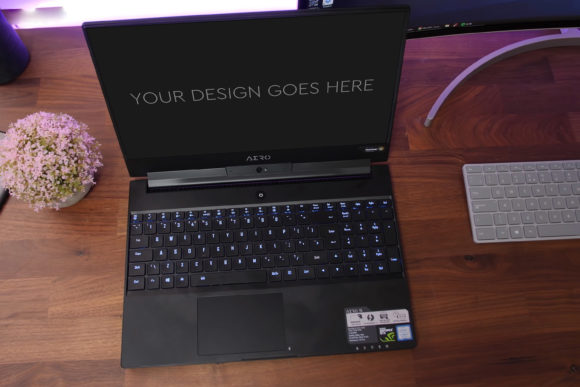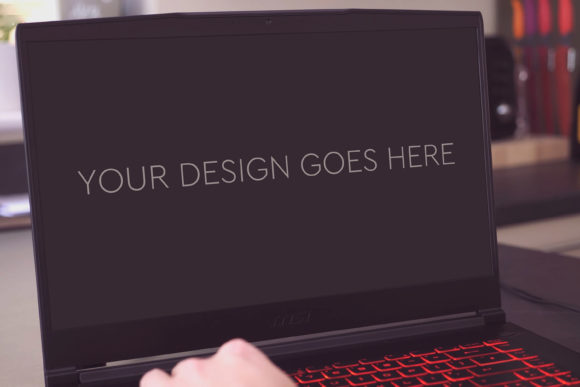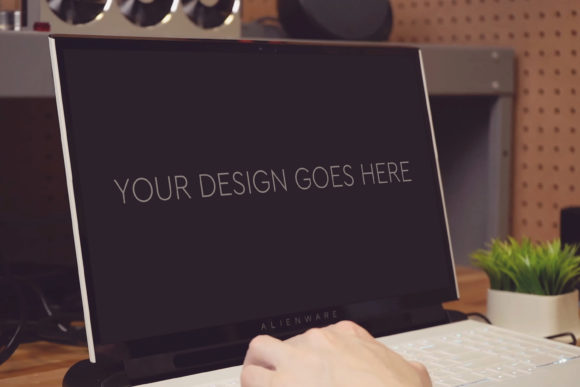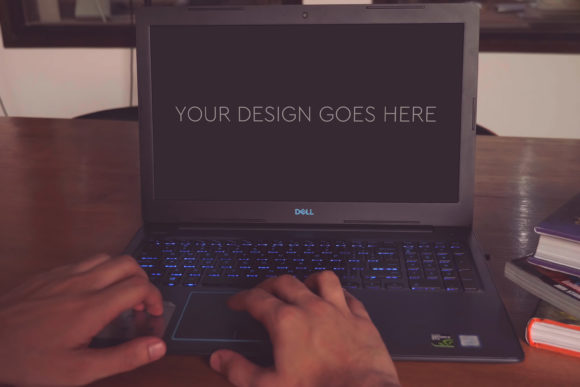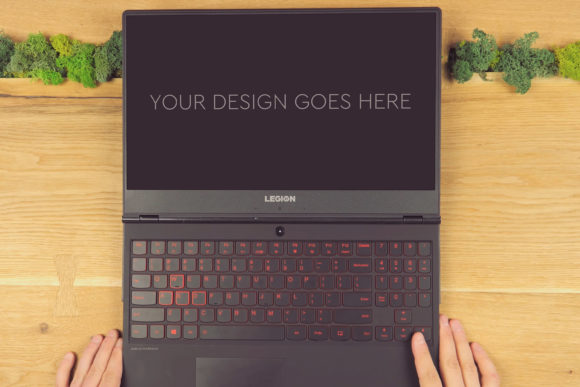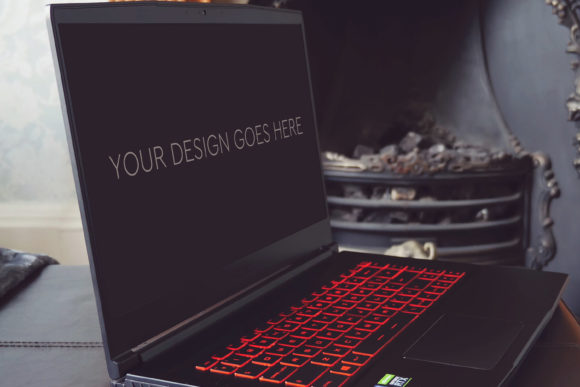
Gaming Laptop Mockup 16: A Strategic Asset for Visual Presentation
In the landscape of modern digital communication, the ability to present your work convincingly is not merely a cosmetic concern—it’s a strategic one. Whether you are pitching a game interface, launching a software tutorial, or showcasing a digital portfolio, the context in which your design is seen profoundly influences how it is perceived. The Gaming Laptop Mockup 16 is not just a template; it is a carefully constructed tool designed to bridge the gap between your raw design file and a client’s, stakeholder’s, or audience’s understanding. Its value lies in its deliberate simplicity and the powerful, automatic context it provides.
Why Context Is a Decision-Making Tool
Consider a screenshot of a game UI or a software dashboard, isolated on a blank canvas. It requires explanation. The viewer must mentally construct the environment, the use case, and the final experience. This cognitive load can obscure the design’s merits. By placing your design within the Gaming Laptop Mockup 16, you instantly provide that context. The mockup does the heavy lifting of environmental storytelling, allowing the viewer to focus on your design’s functionality and aesthetics. This is a strategic choice for communication. It shifts the conversation from “what is this?” to “how does this work in a real scenario?” For entrepreneurs and marketers, this clarity can accelerate approval cycles. For educators and freelancers, it enhances tutorial and portfolio credibility, demonstrating not just skill, but practical application.
Operational Efficiency and Creative Confidence
The technical specifications of Gaming Laptop Mockup 16 are built for efficiency. The 3000x2000px resolution at 300dpi ensures your presentation retains professional quality even under close scrutiny, crucial for high-stakes client presentations or printed marketing materials. The inclusion of a single, layered Photoshop PSD-file, edited via Smart Objects, means the process is not a technical hurdle. You are not spending hours manipulating shadows, angles, or screen reflections. You pop in your design, and the mockup’s built-in photo filters and lighting do the rest. This automation is a productivity win. It frees your time for the core tasks of refinement and strategy, rather than presentation mechanics. For creators and small business owners operating with limited time, this efficiency translates directly into capacity—you can produce more compelling presentations without expanding your resource footprint.
Planning Your Use: Intentional Application Over Random Deployment
The utility of Gaming Laptop Mockup 16 multiplies when used with intention. Randomly applying mockups to every design can dilute their impact. Instead, consider its use as a planned step in your project lifecycle.
Identify the Strategic Moment: Use the mockup at key decision points. Is this a concept validation phase for your team? A funding pitch to investors? A final deliverable to a client? Or a portfolio piece aimed at attracting new business? Each scenario calls for a different level of polish, and the mockup serves the latter stages—where demonstration of final-form execution is critical.
Align with Audience Expectations: For a technical audience, such as developers, the mockup provides a realistic runtime environment. For a business audience, it conveys product readiness and market fit. For a consumer audience, it builds aspiration and desire. Your choice to use the mockup should be informed by what your audience needs to see to make their next decision.
Practical Examples and Workflow Integration
A freelance UX designer might use Gaming Laptop Mockup 16 to transform static wireframes into immersive case studies for their website, showcasing not just the interface, but how it lives on a user’s device. A game developer could use it to create promotional material for social media, presenting a new HUD design within a recognizable gaming setup, instantly signaling the product’s genre and target platform. An educator creating online courses could employ the mockup to visualize software tutorials, making learning materials more engaging and relatable for students.
The workflow is straightforward: finalize your design, export the appropriate screen area, place it into the Smart Object layer in the provided PSD, and save. The high-quality base image and filters ensure cohesion. This simplicity, however, should not bypass a critical step: ensure your design is resolution-appropriate. Placing a low-resolution screenshot into a high-DPI mockup will expose flaws. The tool enhances quality, but it cannot create it from nothing.
Considerations and Potential Strategic Missteps
While Gaming Laptop Mockup 16 is a powerful aid, reliance on it without clear goals carries risk. The primary risk is misrepresentation. A beautifully mocked-up design on a gaming laptop implies a level of completion and integration that may not exist. If the underlying design is unfinished or buggy, the polished presentation sets expectations that the actual product cannot meet. This can damage trust with clients or stakeholders. Use the mockup to represent true states of development—near-final prototypes, approved visuals, or shipped products.
Another consideration is contextual over-saturation. If every presentation you make uses the same laptop mockup, it may become a repetitive visual cue that loses impact. Strategically, reserve its use for when the specific context of a gaming laptop is relevant. For broader software presentations, consider a suite of different device mockups to show versatility.
Long-Term Value in Branding and Consistency
For professionals building a long-term brand or business, consistency in presentation materials builds recognition and professionalism. Using a high-quality, reliable mockup like Gaming Laptop Mockup 16 across multiple projects creates a cohesive visual language for your deliverables. Clients begin to associate that polished presentation style with your work quality. It becomes part of your operational signature. This long-term value is subtle but cumulative, enhancing your reputation as someone who delivers not only good work, but good communication of that work.
Moving Beyond the Mockup: The Underlying Design Principle
Finally, the most strategic insight a tool like Gaming Laptop Mockup 16 offers is a reminder of principle: design exists for an end-user in a specific environment. The mockup forces you to view your work in that environment. This external perspective can be a valuable checkpoint in your own creative process. Does the design look balanced on that screen? Do the colors work with the ambient lighting of the mockup? This final review can catch issues that were invisible in the isolated design file. Thus, the mockup becomes not just a presentation tool, but a low-fidelity usability test. It encourages you to consider the end experience holistically, which is a foundational practice for any creator aiming for real-world impact.
In essence, Gaming Laptop Mockup 16 is more than an automatic filter. It is a strategic shortcut to credible presentation. Its thoughtful use supports clearer communication, faster decision-making, and enhanced professional perception. By integrating it intentionally into your planning—at the right moments, for the right audiences, with the right preparatory work—you transform a simple PSD file into a lever for achieving better results.