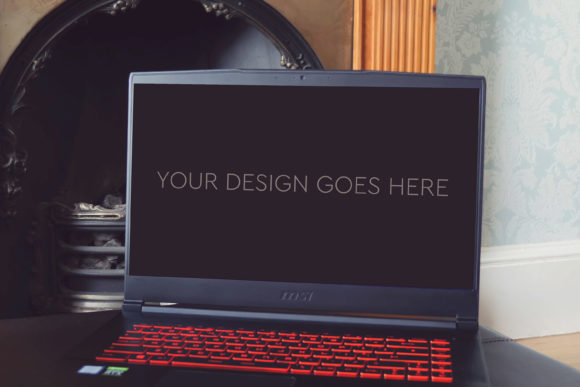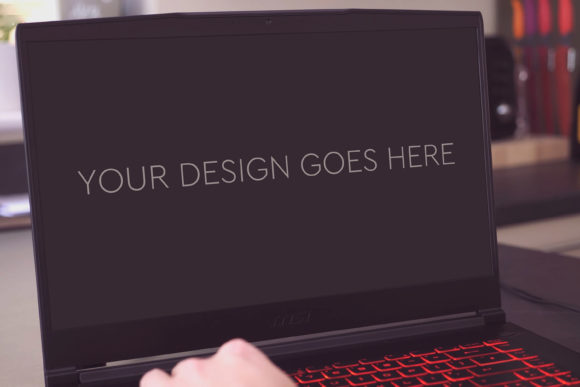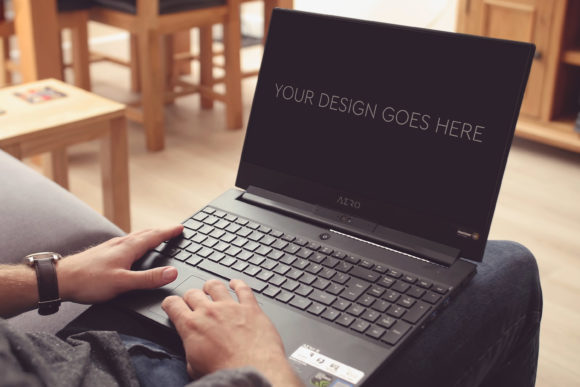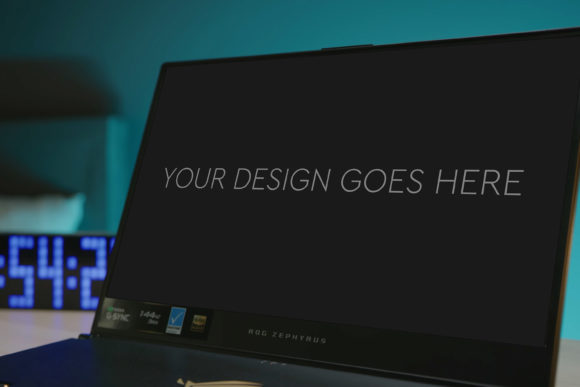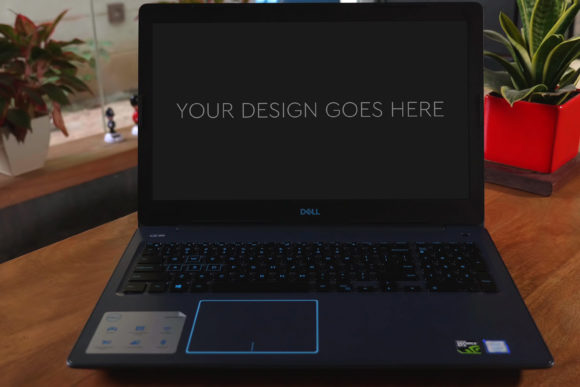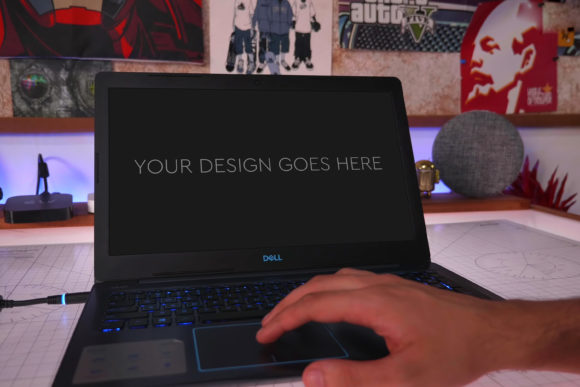
Gaming Laptop Mockup 05: Bringing Your Digital Designs to Life
When you’ve poured hours into crafting a sleek website interface, an eye-catching app dashboard, or a stunning game launcher design, presenting it as a flat screenshot often doesn’t capture its true potential. This is where a tool like Gaming Laptop Mockup 05 becomes invaluable. It’s not just a stock image; it’s a professionally crafted Photoshop template designed to seamlessly place your digital design onto a photorealistic gaming laptop screen, instantly elevating your presentation from a concept to a tangible, high-quality visual.
Why Context Matters: The Power of a Realistic Setting
Imagine showing a client your new gaming platform UI. Showing it on a blank white background leaves them imagining the final product. Showing it rendered on a high-end gaming laptop, with authentic screen reflections, ambient lighting, and a realistic keyboard in the foreground, makes it feel real. The client doesn’t just see the design; they see it in its intended environment. This context bridges the gap between the digital file on your computer and the user’s eventual experience, making your work more credible and compelling.
The Universal Tool for Diverse Creators
The applications for this mockup stretch far beyond its name. While perfect for gaming-related projects, its utility is universal for any digital design meant to be viewed on a laptop screen.
- UI/UX Designers and Developers: You can use it to showcase website layouts, software interfaces, or mobile app designs in a desktop context for client pitches, portfolio presentations, or marketing materials. It answers the client’s unspoken question: “How will this look on my actual device?”
- Digital Marketers and Ad Creatives: Creating ads for a new software product or an online service? Placing the promotional graphic or call-to-action screen within this mockup creates more engaging and believable social media ads, banner campaigns, or website hero images.
- Game Developers and Indie Studios: Beyond UI, it’s perfect for displaying game trailers as a paused cinematic on the screen, showing in-game storefronts, or presenting your game’s title screen. It helps sell the atmosphere before the game is even launched.
- Freelancers and Portfolio Builders: For anyone building a personal website or portfolio, using a quality mockup like this demonstrates professionalism. It shows you understand the importance of presentation and can deliver work that looks polished and market-ready.
Navigating the Practicalities: How It Works and What to Consider
The description highlights key features: a single PSD file, easy editing via Smart Objects, layered structure, high resolution, and included photo filters. In practice, this means the workflow is straightforward. You open the file in Photoshop, find the Smart Object layer representing the laptop screen, double-click it, paste in your design, save it, and it automatically updates in the main mockup scene. The grouped layers allow you to tweak background elements if needed, and the high 3000x2000px resolution ensures your final image is crisp for any print or digital use.
Before diving in, a few considerations can ensure you get the best results. First, match your design’s aspect ratio to the screen area of the mockup to avoid awkward cropping or stretching. Second, think about the narrative you want the image to tell. The mockup has a certain aesthetic—a powerful gaming laptop. Does that align with your brand? For a corporate financial software demo, it might be perfect for a modern tech vibe; for a children’s educational app, you might consider a different device mockup. Third, while the included photo filters are a bonus for quick tonal adjustments, remember that your primary goal is to showcase your design clearly. Don’t let heavy filtering obscure the details you’re trying to present.
Beyond the Single Use: Imagining Scenarios and Combinations
Let’s walk through a few specific scenarios where this mockup solves a real problem.
A freelance web designer is competing for a project with a tech startup. They create three unique homepage concepts. Instead of sending three PNG files, they use Gaming Laptop Mockup 05 to render each design. They place these three images side-by-side in their proposal document. The client immediately sees how each concept would live on a modern device, making the comparison tangible and the designer’s offer feel more complete and high-value.
An indie game developer is preparing a Kickstarter campaign. They need visuals that generate excitement. They use the mockup to display a key, atmospheric screenshot from their game on the laptop screen. They then use the same PSD, slightly adjusting the angle or lighting using the layered groups, to create a second image showing their game’s menu screen. This creates a cohesive set of promotional assets that tell a visual story about the gameplay and interface without requiring expensive custom photography.
A software company is launching a new analytics dashboard. Their in-house marketer needs assets for a blog post announcing the update. They use the mockup to generate a featured image for the post where the new dashboard is clearly displayed on the screen. This image is more engaging than a simple screenshot and increases the likelihood of the blog post being shared visually on platforms like LinkedIn or Twitter.
The Strengths and the Honest Limitations
The primary strength of this mockup is its transformative simplicity. It turns a technical design file into a lifestyle or context image with minimal effort. The Smart Object system is a huge advantage for users with even basic Photoshop knowledge, making professional results accessible. The high-quality base photograph and resolution mean the final output is suitable for professional contexts, from portfolio websites to printed conference brochures.
Potential limitations are more about fit than function. The mockup has a fixed perspective and style. If your project requires multiple angles (top-down, side view, open vs. closed lid), you would need additional mockup files. Also, while the gaming laptop aesthetic is broadly appealing and modern, it carries a specific connotation of power and performance. For projects targeting audiences where a minimalist MacBook or a rugged industrial tablet might be more appropriate messaging, this specific mockup might not be the perfect visual fit. It’s a tool for a specific, though widely applicable, look and feel.
Ultimately, tools like Gaming Laptop Mockup 05 exist to serve the fundamental need of making digital work feel physical and presentable. They save time, elevate quality, and help bridge the communication gap between creator and client, or between product and potential user. By choosing the right context for your design, you’re not just showing what you made; you’re telling a story about how it will be used and experienced. That shift from displaying a design to showcasing an experience is what makes a great mockup an indispensable part of the modern creator’s toolkit.