Gaming Laptop Mockup 17: Elevating Your Digital Designs Into Real-World Visuals
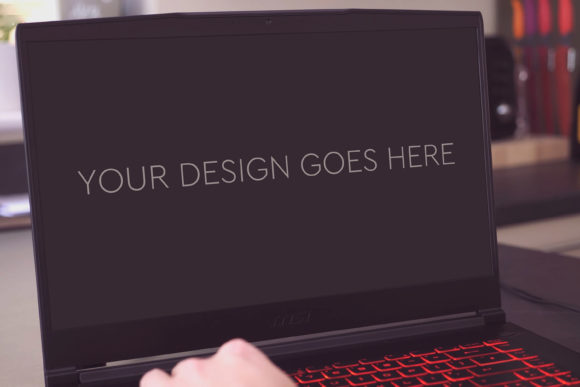
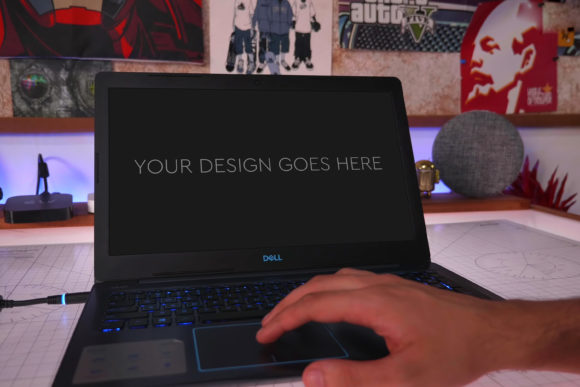
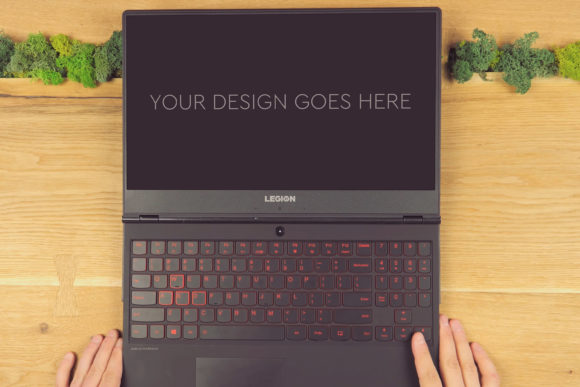
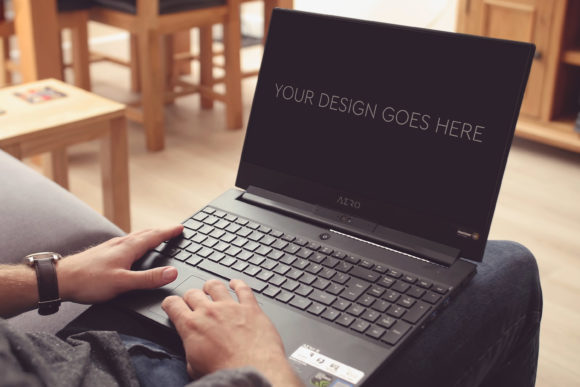
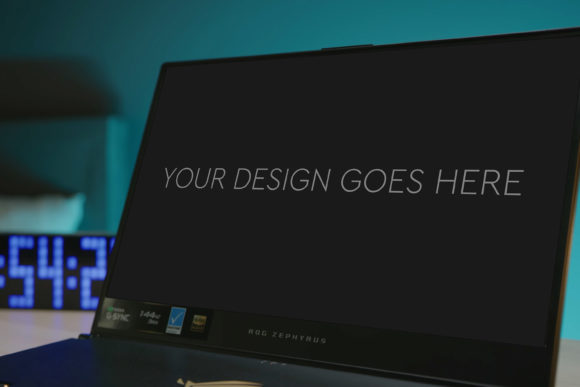
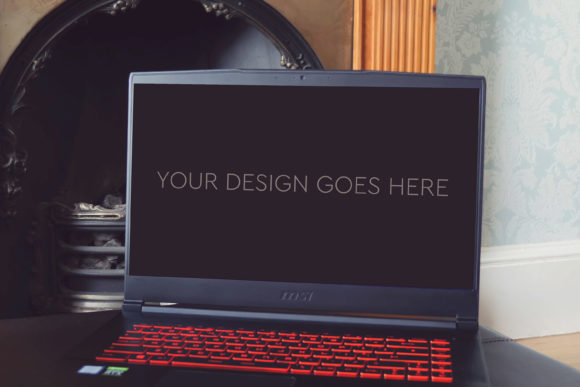
In the creative world, the gap between a finished digital design and a compelling presentation can feel vast. You’ve poured hours into crafting a perfect UI, a sleek app interface, or a stunning game screen, but presenting it as a flat image on a website or portfolio often lacks impact. This is where the Gaming Laptop Mockup 17 comes in. It’s a professionally crafted, high-resolution mock-up template designed to place your screen designs onto a realistic image of a premium gaming laptop. The process is streamlined: you simply insert your screenshot or design into the provided Smart Object in Photoshop, and the mock-up automatically applies perspective, lighting, and shadows to make your work look like it’s living on an actual device.
The Power of Context in Presentation
Why does placing a design onto a mock-up matter so much? It provides crucial context. A wireframe or a standalone graphic tells a story about the design itself, but a mock-up tells the story of the user’s experience. Seeing your interface on the angled screen of a gaming laptop, with the subtle glow of ambient light and the texture of the device’s chassis, immediately communicates how the design functions in a real environment. This visual context builds credibility and helps clients, stakeholders, or your audience envision the final product not as an abstract idea, but as a tangible, usable piece of technology.
Real-World Scenarios Where This Mock-Up Shines
Consider a freelance UI/UX designer pitching a new dashboard concept for a gaming performance monitoring app. Sending over PNGs of the screens is one thing; presenting them rendered onto a high-end gaming laptop in a moody, focused setting is entirely different. It demonstrates an understanding of the end-user’s world. Similarly, a game developer creating promotional materials for an indie title can use Gaming Laptop Mockup 17 to showcase key gameplay screenshots in a way that feels immersive and authentic, suggesting the experience of playing the game on a powerful machine.
Beyond gaming-specific fields, this mock-up serves broader digital design needs. An e-commerce entrepreneur launching a new online store might use it to present their website’s homepage design in a realistic tech environment for investor decks. A software company rolling out a new creative application could use it in blog posts or tutorials to visually anchor their software in a professional workspace. The mock-up bridges the gap between digital creation and physical reality, a tool useful for designers, marketers, developers, and entrepreneurs alike.
Addressing the Practical Needs of Diverse Users
Different users will approach Gaming Laptop Mockup 17 with different goals. A seasoned graphic designer with deep Photoshop experience will appreciate the layered and grouped PSD file, allowing for granular control—perhaps adjusting the screen tilt or modifying a background element. They might leverage the included beautiful photo filters to quickly shift the entire scene’s mood from a bright, clean studio look to a darker, dramatic aesthetic suited for a fantasy game promo.
For a less experienced user or someone working under tight time constraints, the “very easy to use” aspect is the key benefit. The Smart Object system means no complex masking or perspective distortion is required. You pop in your design, and the quality lighting and reflection effects are applied automatically. This democratizes high-end presentation, allowing a marketer or a startup founder with basic Photoshop skills to produce assets that look professionally crafted. The high-quality 3000x2000px at 300dpi resolution ensures these images are flawless for both web use and high-resolution print materials like brochures or conference banners.
Common Considerations Before You Begin
While the mock-up simplifies the process, a few practical considerations will help you get the best results. First, ensure your source design or screenshot is of high quality and has dimensions that work well with the screen area. A blurry or low-res design will stand out negatively against the crisp mock-up. Think about the narrative you want the final image to tell. The mock-up provides a neutral, professional environment, but your choice of design placed on it sets the tone. A vibrant, chaotic game HUI sells one idea; a minimalist, data-heavy analytics interface sells another.
Also, remember that while the PSD-file is very easy to edit, having a foundational understanding of Photoshop layers and Smart Objects will unlock more customization. You might want to change the color of the laptop’s accent lighting via the layered files or add a subtle logo to the laptop body. The template provides the structure and quality, but your creativity directs the final output.
Exploring Its Role Across Industries and Purposes
The utility of this asset extends beyond the obvious. In the education sector, an instructor creating course materials for digital design classes could use Gaming Laptop Mockup 17 to show students how to professionally present their projects. In tech journalism, a writer reviewing a new software might use the mock-up to generate engaging featured images for their articles, making the software visually relatable. For social media influencers focusing on tech or gaming, such mock-ups can be a quick way to produce aesthetically cohesive and premium-looking content for their feeds, showcasing new apps or game releases they’re discussing.
Its strength lies in its specificity and quality. The mock-up isn’t a generic laptop; it’s a gaming laptop, which implies power, performance, and a dedicated user base. This inherent messaging can be leveraged. However, a potential limitation to consider is if your design is intended for a completely different device ecosystem, like mobile or tablet. In that case, a more targeted mock-up might be preferable. But for any design targeting desktop or laptop users—especially in gaming, creative software, or performance applications—this mock-up provides an immediately recognizable and aspirational context.
Ultimately, Gaming Laptop Mockup 17 is more than a template; it’s a visual shortcut to professionalism. It takes the brilliant work you’ve done on screen and frames it in a world your audience understands and appreciates. By transforming a flat design into a lived experience, it enhances communication, boosts presentation impact, and helps your creative work stand out in a crowded digital landscape.